
College Station, TX · Brazos County
Abandonment of Public Right-of-Way/Easement Application
A property owner's sworn application asking College Station to abandon and release a public right-of-way or utility easement adjoining their land.
- licensed online notary
- ~15 min average
- Notarized PDF emailed
What you’ll need
- Government-issued photo ID
- Webcam-enabled device (laptop or phone)
- This form, ready to upload as a PDF
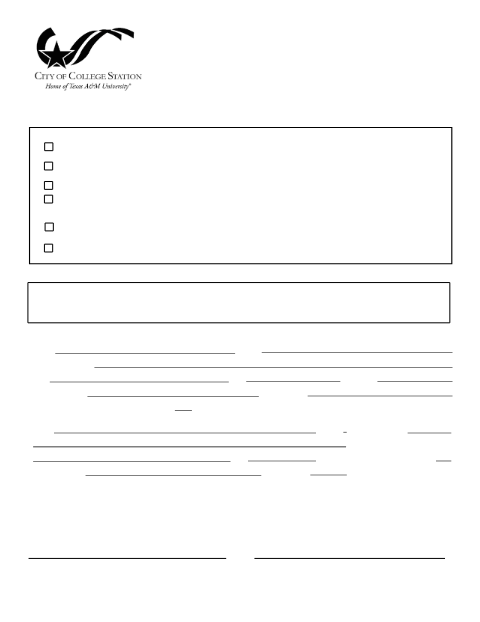
What this form is
Property owners who want the City of College Station to give up its interest in an adjacent public right-of-way or easement must file this application with the Planning & Development Services Department. Because the applicant is making sworn statements about ownership and the property affected, the form includes a notarial jurat that must be completed before a notary before the City Council will consider the request.
Who needs it
Property owners or their authorized agents petitioning College Station to abandon a public right-of-way or easement adjoining their land.
Why it needs a notary
The application text includes 'sworn to and subscribed before me' jurat language, so the owner's signature must be notarized before submission.
How to get this notarized
- 1
Download the Form
Get the Abandonment of Public Right-of-Way/Easement Application from Rush Notary.
- 2
Fill It Out
Enter the right-of-way description, applicant, and all property owner information.
- 3
Book an Online Notary
Schedule a remote online notarization session at a time that works for you.
- 4
Sign on Video
Verify your identity and sign in front of a commissioned online notary.
- 5
Submit to the City
Deliver the notarized form to College Station Planning & Development Services.
Preview the form
The blank PDF straight from College Station. Look it over, then upload your filled copy to start the notary session.

You’ll need ID and a webcam.
A licensed online notary will join you on video, verify your government-issued ID, witness your signature, and apply their seal. You’ll receive the notarized PDF by email when the session ends.
Frequently asked questions
- How do I get my abandonment application notarized online?
- Upload your completed form, connect with a commissioned online notary over live video, verify your ID, and sign — no drive to City Hall required.
- Do I need every property owner to sign?
- Yes, the City requires all owners of the affected property to be identified and to sign the sworn application.
- Is remote online notarization accepted for this filing?
- Texas has authorized remote online notarization since 2018; check with the College Station Planning & Development Services Department if you are unsure whether they will accept it for your specific filing.
- What happens after the form is notarized?
- Submit the notarized application to Planning & Development Services so it can be scheduled for City Council consideration.