
Banning, CA · Riverside County
Official Filing Form – Oath or Affirmation of Nominee
The sworn oath a candidate for Banning city office signs when filing nomination papers, affirming loyalty to the U.S. and California constitutions before an officer authorized to administer oaths.
- California-licensed notary
- ~15 min average
- Notarized PDF emailed
What you’ll need
- Government-issued photo ID
- Webcam-enabled device (laptop or phone)
- This form, ready to upload as a PDF
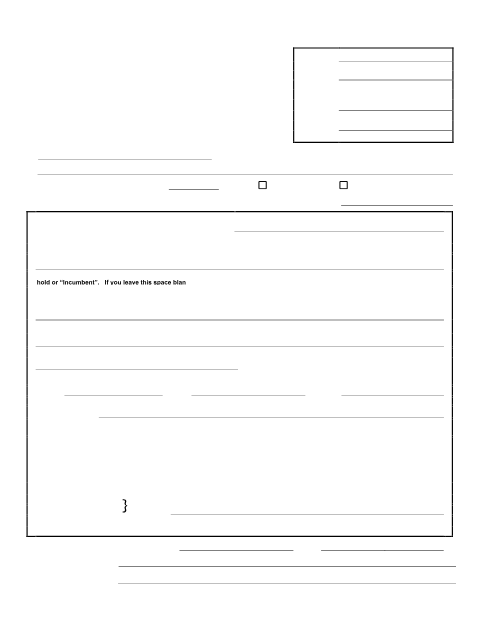
What this form is
Candidates running for Banning City Council or other municipal office file this Official Filing Form with their nomination paper. It includes an Oath or Affirmation of Nominee that must be subscribed and sworn to before an officer administering oaths, plus a separate circulator declaration. Filing deadlines are set by the county elections calendar.
Who needs it
Candidates filing nomination papers for a Banning municipal elected office during a filing period.
Why it needs a notary
The Oath or Affirmation of Nominee section must be 'subscribed and sworn to before me' by an officer authorized to administer oaths, which includes a notary public.
How to get this notarized
- 1
Download the Form
Get the Official Filing Form from the City of Banning City Clerk's office or website.
- 2
Fill In Your Details
Complete your name, office sought, and residence address in the Oath of Nominee section.
- 3
Book an Online Notary
Schedule a remote online notarization session with Rush Notary.
- 4
Sign on Video
Verify your identity and sign the oath while the notary watches on a live video call.
- 5
Submit to the City Clerk
Deliver the completed, notarized nomination paper to Banning's City Clerk before the filing deadline.
Preview the form
The blank PDF straight from Banning. Look it over, then upload your filled copy to start the notary session.

You’ll need ID and a webcam.
A licensed California online notary will join you on video, verify your government-issued ID, witness your signature, and apply their seal. You’ll receive the notarized PDF by email when the session ends.
Frequently asked questions
- Do I need a notary for a Banning nomination paper?
- The Oath or Affirmation of Nominee section must be sworn before an officer authorized to administer oaths, which includes a notary public, so most filers do need one.
- How do I get this oath notarized online?
- Upload the filled-in form, join a short video call with an online notary, verify your identity, and sign while the notary watches and notarizes remotely.
- Can an out-of-state notary witness a California nomination oath?
- California recognizes acknowledgments performed by notaries commissioned in other states when the act follows that state's law; check with the Banning City Clerk if unsure whether they will accept it.
- How fast can I get this notarized before a filing deadline?
- Online notary sessions are typically available same-day, which matters given the strict nomination filing window.