
Santa Clarita, CA · Los Angeles County
Entitlement Application
Santa Clarita's master planning application for permits, variances, and map approvals, whose Property Owner Statement must be signed before a notary public.
- California-licensed notary
- ~15 min average
- Notarized PDF emailed
What you’ll need
- Government-issued photo ID
- Webcam-enabled device (laptop or phone)
- This form, ready to upload as a PDF
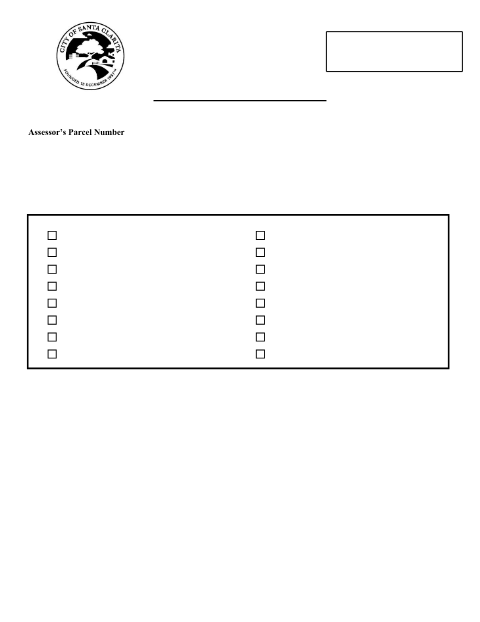
What this form is
Santa Clarita's Planning Division uses one Entitlement Application for every discretionary land-use request, from conditional use permits and variances to tentative tract maps. The Property Owner(s) Statement section carries a full California notary acknowledgment block, so every listed property owner must sign it in front of a notary before the City will process the application.
Who needs it
Property owners, developers, and their representatives filing a conditional use permit, variance, map, or other discretionary planning entitlement in Santa Clarita.
Why it needs a notary
The Property Owner(s) Statement includes a complete California all-purpose acknowledgment block, requiring every owner's signature to be notarized.
How to get this notarized
- 1
Download the Form
Get the Entitlement Application from the Santa Clarita Planning Division's Applications and Forms page.
- 2
Select Your Entitlement Type
Check the box for the permit, variance, or map type you are applying for and complete the project details.
- 3
Book an Online Notary
Schedule a remote online notarization session for every listed property owner.
- 4
Sign on Video
Each owner signs the Property Owner(s) Statement while the notary verifies identity and witnesses the signature.
- 5
Submit to the City
Download the notarized PDF and submit it with your full application packet to Santa Clarita Planning.
Preview the form
The blank PDF straight from Santa Clarita. Look it over, then upload your filled copy to start the notary session.

You’ll need ID and a webcam.
A licensed California online notary will join you on video, verify your government-issued ID, witness your signature, and apply their seal. You’ll receive the notarized PDF by email when the session ends.
Frequently asked questions
- Do I need my Entitlement Application notarized?
- Yes. The Property Owner(s) Statement on Santa Clarita's Entitlement Application includes a notary acknowledgment block that every property owner must sign in front of a notary.
- How do I get my entitlement application notarized online?
- Upload the completed application, verify your ID, and sign the Property Owner(s) Statement during a live video session with an online notary, then download the notarized PDF.
- Do all property owners need to sign and be notarized?
- Yes, the form states signature of all property owners is required and an owner still in escrow is not acceptable.
- Will Santa Clarita accept a remote online notarization?
- Most California cities accept notarial acts performed under another state's law, but check with Santa Clarita Planning if you are unsure before submitting.